


Affiliate Disclosure: FactsnFigs is reader-supported. When you purchase security hardware or software subscriptions through links on our site, we may earn an affiliate commission at no extra cost to you.
Legacy multi-factor authentication (MFA) is failing modern distributed organizations. Over the past three years, adversary-in-the-middle (AiTM) phishing kits, session hijacking tools, and aggressive SMS SIM-swapping operations have dismantled traditional perimeter defenses. If your distributed team still relies on six-digit authenticator codes (TOTP) or SMS OTP prompts, your company is one convincing reverse-proxy lure away from complete credential compromise.
To enforce real Zero Trust architecture amid evolving 2026 digital economy trends, enterprise security leads and remote operations teams are transitioning to biometric 2FA authentication remote workflows.
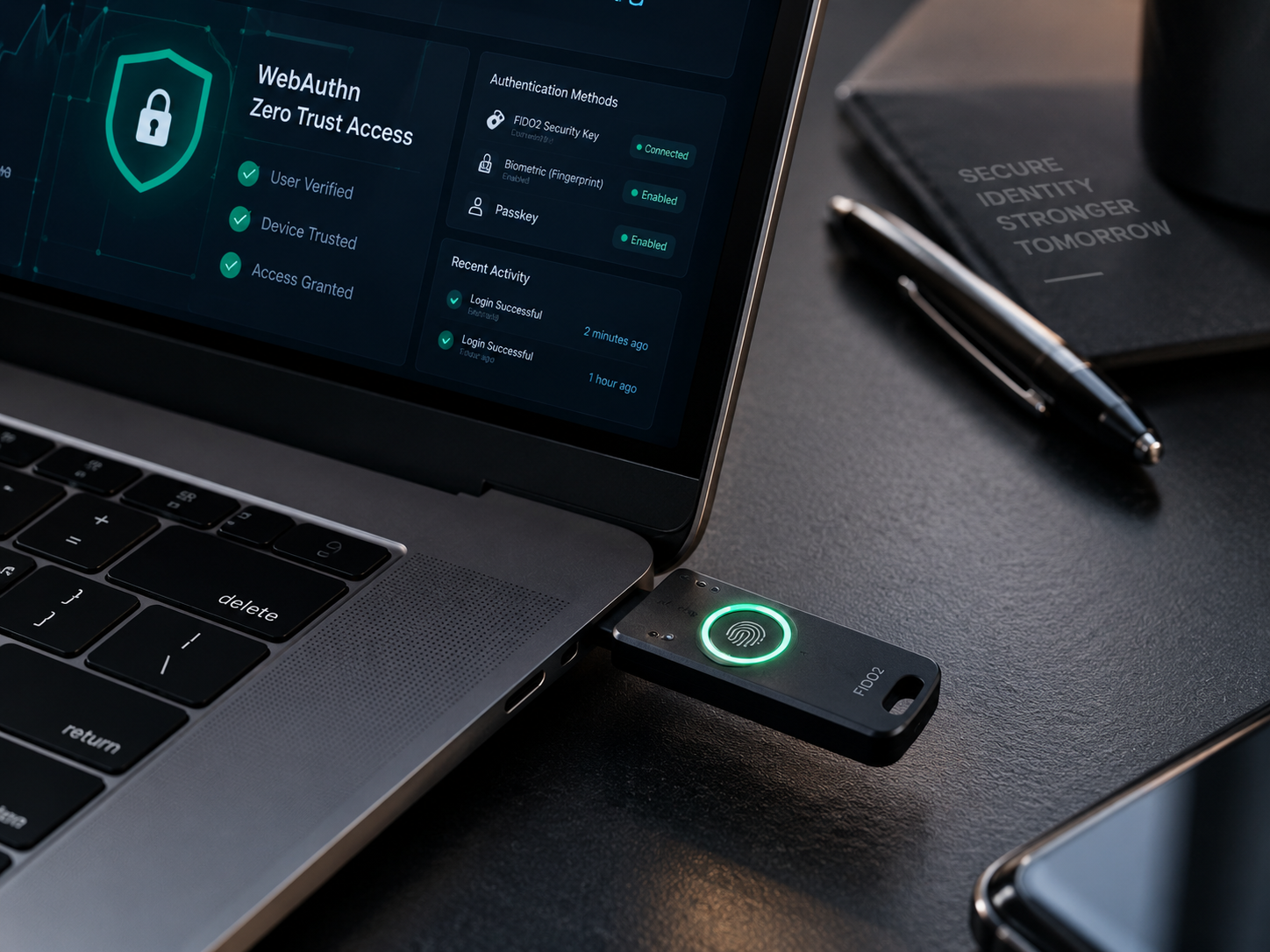
At the core of this standard are two prominent cryptographic implementations of the FIDO2 and WebAuthn frameworks: physical Hardware Security Keys (such as YubiKeys and Titan keys) and multi-device Synced Passkeys (backed by Apple Keychain, Google Password Manager, and 1Password).
While both solutions provide native cryptographic immunity to remote phishing, their operational blast radius, credential recovery mechanics, and compliance baselines differ substantially. Below is an architectural comparison of how both factors stack up in an active remote production environment.
Quick Comparison: Hardware Keys vs. Synced Passkeys (2026)
| Architectural Vector | FIDO2 Hardware Security Keys (e.g., YubiKey 5 Series) | Multi-Device Synced Passkeys (e.g., 1Password, Apple, Google) |
| Phishing Resistance | 100% Cryptographic Origin-Binding (Immune to AiTM) | 100% Cryptographic Origin-Binding (Immune to AiTM) |
| Key Storage Model | Non-exportable hardware Secure Element (AAL3 compliant) | End-to-end encrypted cloud synchronization fabric (AAL2) |
| Biometric Verification | Local physical biometric sensor on key or user presence tap | Device-native biometric sensors (Touch ID, Face ID, Windows Hello) |
| Loss & Recovery Path | Requires pre-enrolled secondary backup key or hardware provisioning | Automated ecosystem recovery (Cloud keychain / Passkey vault) |
| Onboarding Logistics | High physical friction (Shipping hardware to remote nomads) | Instant zero-touch software rollout via MDM / SSO |
| Primary Risk Factor | Physical device loss, port incompatibility, key damage | Compromise of root ecosystem account or recovery workflows |
To understand why both solutions outclass passwords and authenticator apps, it is critical to look under the hood at the underlying protocol.
Both physical tokens and passkeys operate using the W3C WebAuthn and FIDO Alliance CTAP2 standards:
- Public-Key Cryptography: When an employee registers an account on an internal dashboard (e.g., AWS Console, Google Workspace, GitHub), the client device generates an asymmetric key pair. The private key remains permanently quarantined on the client authenticator; only the public key is transmitted to the enterprise identity provider (IdP).
- Cryptographic Origin Binding: During a login challenge, the browser cryptographically binds the authentication request to the exact Fully Qualified Domain Name (FQDN) in the address bar. If an engineer is duped into visiting a deceptive mirror site (
auth.company-security.coinstead ofauth.company.com), the client device recognizes the mismatch and simply refuses to sign the cryptographic challenge.
For organizations looking to harden distributed endpoints, implementing the broader protocols detailed in our biometric security guide ensures that physical biometric verifications are cryptographically tied directly to device health posture.
2. Hardware Security Keys: Sovereign Isolation at the Hardware Layer
Hardware security keys (exemplified by the Yubico YubiKey 5 NFC and YubiKey Bio) represent the gold standard of hardware-isolated defense.
Technical Advantages
- Non-Exportable Secrets: Private keys are injected directly into a tamper-resistant microcontroller chip (Secure Element). Unlike software credentials, the private key can never be copied, cloned, or extracted by malware residing on the host operating system.
- NIST SP 800-63B-4 AAL3 Compliance: Regulated sectors (defense, healthcare, FinTech) increasingly mandate Authenticator Assurance Level 3 (AAL3). Under strict federal and EU compliance guidelines, AAL3 requires a dedicated physical hardware authenticator with non-exportable cryptographic keys. Synced passkeys cannot meet this threshold because their synchronization mechanism introduces cross-device movement.
- Physical Protocol Breadth: Premium enterprise hardware keys support smart card emulation (PIV), OpenPGP for signing code commits, and challenge-response modes for offline laptop unlocking.
Enterprise Drawbacks for Remote Teams
- Logistical Friction: Deploying physical keys to digital nomads across Bali, Lisbon, or Mexico City involves expensive international shipping, customs delays, and potential border confiscations.
- The “Locked Out” Dilemma: If an engineer drops their single hardware key into an ocean while traveling, access recovery is paralyzed unless the IT team has mandated enrolling at least two physical keys in advance.
3. Synced Passkeys: Scalable Usability Across Distributed Workforces
Synced passkeys solve the primary failure of legacy security: user friction. By leveraging existing consumer hardware, passkeys allow remote companies to deploy phishing-resistant authentication overnight.
[Employee Initiates Login]
             │
             ▼
[Device Prompts Native Biometric: Touch ID / Face ID]
             │
             ▼
[Operating System Pulls Private Key from Encrypted Keychain]
             │
             ▼
[Cryptographic WebAuthn Handshake Clears with Corporate IdP]
             │
             ▼
[Zero Friction Sign-in Complete (Key syncs seamlessly across iPhone & Mac)]
Technical Advantages
- Frictionless Onboarding: A remote contractor in another time zone can enroll in company passkeys using their existing MacBook Touch ID or Android fingerprint reader in seconds without waiting for a physical package.
- Built-in Redundancy: Because credentials sync through end-to-end encrypted fabrics (Apple iCloud Keychain, Google Password Manager, or enterprise vaults like 1Password), losing a single mobile phone does not lock the employee out of critical operations.
- Native Biometric Enforcement: Authentication requires passing an explicit local biometric check (Face ID or capacitive fingerprint scan), preventing unattended desktop hijacking in shared co-working spaces.
Operational Vulnerabilities
- Cloud Sync Fabric Reliance: While the keys are encrypted in transit, security depends on the integrity of the user’s master cloud account. If a worker’s personal Apple ID or Google account suffers a recovery-path compromise, synced credentials could theoretically be exposed.
- Lack of Device Attestation: Synced passkeys cannot definitively prove to an enterprise MDM (Mobile Device Management) policy which physical microchip generated the signature, making strict zero-trust hardware compliance harder to audit.
4. The 2026 Enterprise Reference Blueprint: The Hybrid Model
Leading remote-first security architectures no longer force an either/or choice. Instead, they enforce a tiered persona model based on organizational blast radius:
                      [Organization Security Policy]
                                     │
             ┌───────────────────────┴───────────────────────┐
             ▼                                               ▼
   [Tier 1: High-Blast Radius]                   [Tier 2: General Workforce]
 (DevOps, Sysadmins, C-Suite)                   (Sales, Marketing, Support)
             │                                               │
             ▼                                               ▼
 [Mandatory FIDO2 Hardware Keys]                  [Enterprise Synced Passkeys]
 (Primary Key + Enrolled Cold Backup)             (1Password / Okta FastPass)
- Privileged Infrastructure Operators (Hardware-Bound):
- Target: Cloud engineers with AWS root permissions, database administrators, and financial signatories.
- Requirement: Mandatory FIDO2 Level 2+ hardware keys (YubiKey 5C NFC) with FIDO PIN and biometric validation. Enforce enterprise enrollment policies requiring two distinct physical keys registered per operator.
- Standard Knowledge Workers (Synced Passkeys):
- Target: Marketing, sales, project management, and customer operations teams.
- Requirement: Enterprise-managed passkeys deployed through centralized password managers (such as 1Password or Bitwarden Enterprise). This achieves phishing-resistant AAL2 security across managed devices with zero physical supply chain friction.
5. Implementation Checklist: Deploying Phishing-Resistant MFA
Before revoking legacy TOTP apps and passwords, ensure your infrastructure satisfies these four technical prerequisites:
- Inventory IdP WebAuthn Readiness: Confirm that your Identity Provider (Microsoft Entra ID, Okta, or Google Workspace) has FIDO2/WebAuthn policies configured to restrict non-phishing-resistant authenticators.
- Disable SMS and Push-Notification Fallbacks: Attackers exploit the weakest link. If a user can bypass their security key by simply clicking “Send SMS Code” on a login screen, your hardware investment is neutralized.
- Standardize Hardware Backup Protocols: Remote team members must be issued two identical hardware tokens simultaneously. The second key remains stored securely in an offline travel safe as a registered cold backup.
- Audit Co-Working Session Expirations: Ensure short session timeouts on remote laptops; pair biometric authentication with operating-system-level screen lock intervals (maximum 3 minutes of inactivity).
In the modern distributed threat landscape, standard passwords and authenticator codes are indefensible liabilities. For the majority of remote knowledge workers, enterprise-managed synced passkeys deliver the highest security-to-usability ratio ever engineered. However, for privileged operators holding the keys to production databases and cloud infrastructure, physical FIDO2 hardware keys remain an absolute, non-negotiable operational necessity.


