


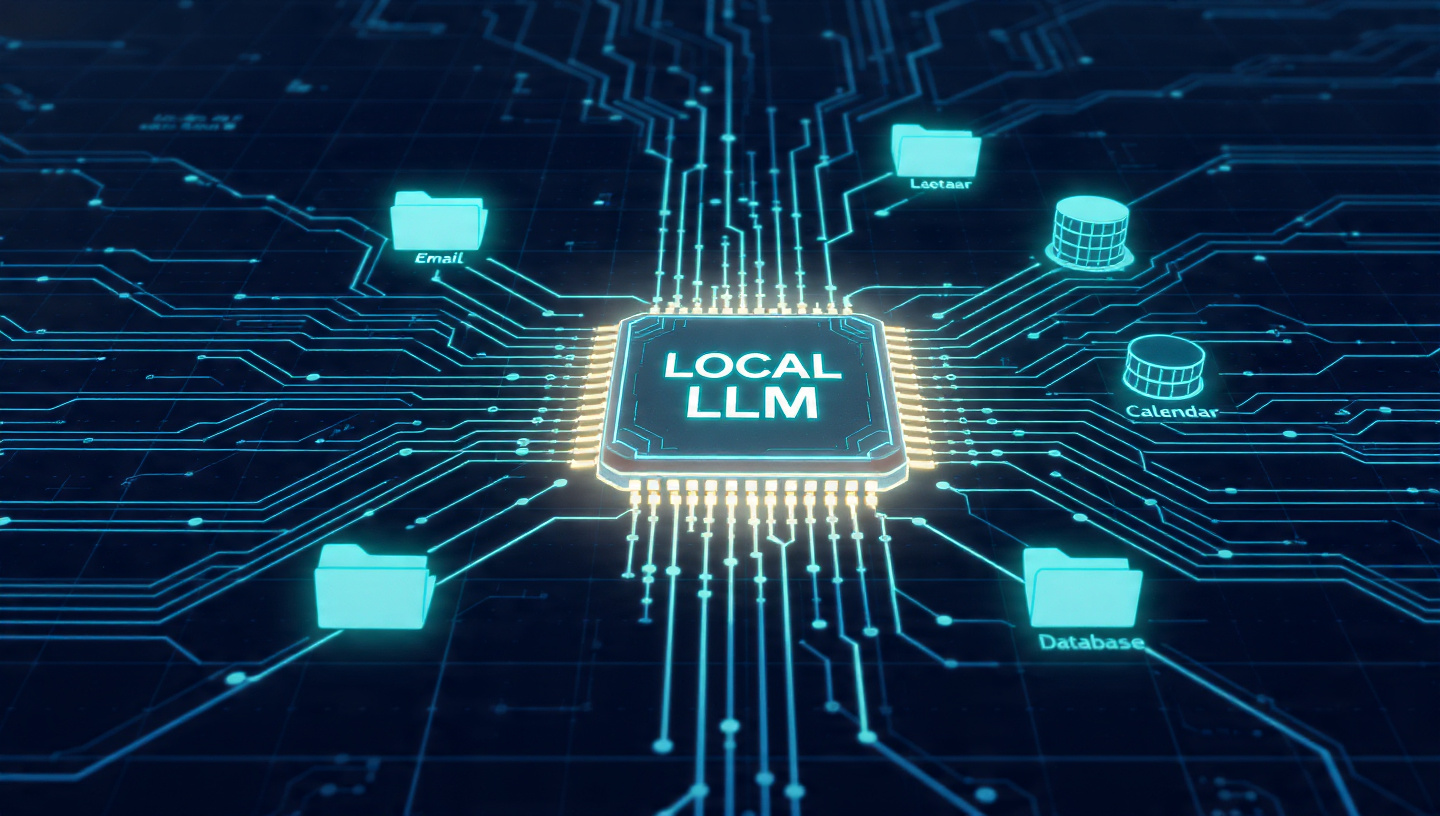
In 2026, the real divide in productivity isn’t between those who use AI and those who don’t it’s between those who rely on external cloud APIs and those who own their intelligence. A Private AI Agent is a self-hosted system that can reason, use tools, and execute workflows without your data ever leaving your local network.
This guide provides a deep-dive technical roadmap to building your first agentic system using local LLMs.
The Architecture of a Private Agent
To build an agent, you need three distinct layers working in sync:
- The Inference Engine: The software that runs the model (Ollama, LocalAI).
- The Brain (LLM): A model optimized for “Function Calling” (Llama 3.1 or Mistral).
- The Orchestrator: The logic that allows the AI to use your computer (CrewAI, PydanticAI, or n8n).
Phase 1: Environment Setup & Hardware Benchmarking
Before installing software, you must ensure your hardware can handle “Token Generation” speeds of at least 15-20 tokens per second for a smooth experience.
- Memory Bandwidth: Local LLMs are limited by RAM speed. DDR5 is highly recommended.
- Software Layer: Install Docker Desktop. Most private AI tools in 2026 run in containers to isolate them from your main OS for security.
Phase 2: Deploying the Local Engine (Ollama + Open WebUI)
We will use Ollama as our backend because of its lightweight manifest management.
- Install Ollama: Run the installer from
ollama.com. - Pull the Model: Open your terminal and run:
ollama pull llama3.1:8b-instruct-q8_0(Note: Theq8_0quantization ensures high reasoning accuracy while saving VRAM). - GUI Setup: To interact with your agent, deploy Open WebUI via Docker:
docker run -d -p 3000:8080 --add-host=host.docker.internal:host-gateway -v open-webui:/app/backend/data --name open-webui ghcr.io/open-webui/open-webui:main
Phase 3: Giving the Agent “Tools” (The Deep Work)
An LLM by itself is just a calculator for words. An Agent needs tools. We will use n8n (Self-hosted) as the central nervous system.
Workflow 1: The Email Triage Agent
- Step A (Trigger): Connect n8n to your IMAP email server.
- Step B (Context): Use the “Ollama Node” in n8n. Set the system prompt: “You are a private assistant. Analyze the incoming email. If it’s a meeting request, extract the date/time. If it’s a bill, extract the amount.”
- Step C (Action): Connect a Google Calendar or Notion node to auto-fill the extracted data.
This setup mirrors the automation logic we explored in our Zero Code Workflow Automation guide, but now it’s powered by a local brain instead of a paid API.
Phase 4: RAG (Retrieval-Augmented Generation)
For your agent to answer questions about your private files, you need a Vector Database.
- In Open WebUI, use the Documents feature.
- Upload your business PDFs or the Computers and Technologies in a Student’s Life guide for testing.
- The system will “Embed” these files locally. Now, when you ask your agent “What are my hardware specs?”, it searches your local files first.
Security Protocols for Private AI
As Sameer Shukla warns in his IoT Security Guide for 2026, running a local server opens ports.
- Disable External API Access: Ensure
OLLAMA_HOST=127.0.0.1is set in your environment variables so hackers can’t use your GPU remotely. - VLAN Isolation: If possible, run your AI server on a separate VLAN from your main work computer.
Technical Troubleshooting
- Issue: “Model is too slow.”
- Fix: Check if your layers are being offloaded to the CPU. Use
ollama run llama3.1 --verboseto check GPU utilization.
- Fix: Check if your layers are being offloaded to the CPU. Use
- Issue: “Agent hallucinating tools.”
- Fix: Use a smaller context window (4096 tokens) to keep the agent focused on the immediate task.
Conclusion: Owning the Machine
Building a private AI agent is the ultimate step toward digital sovereignty. By linking this setup to your Borderless Banking infrastructure, you can eventually automate financial reporting and security audits without a middleman.
Inaayat’s Final Thought: “Don’t let your data be the fuel for someone else’s trillion-dollar company. Build local, stay private, and automate everything.”


