


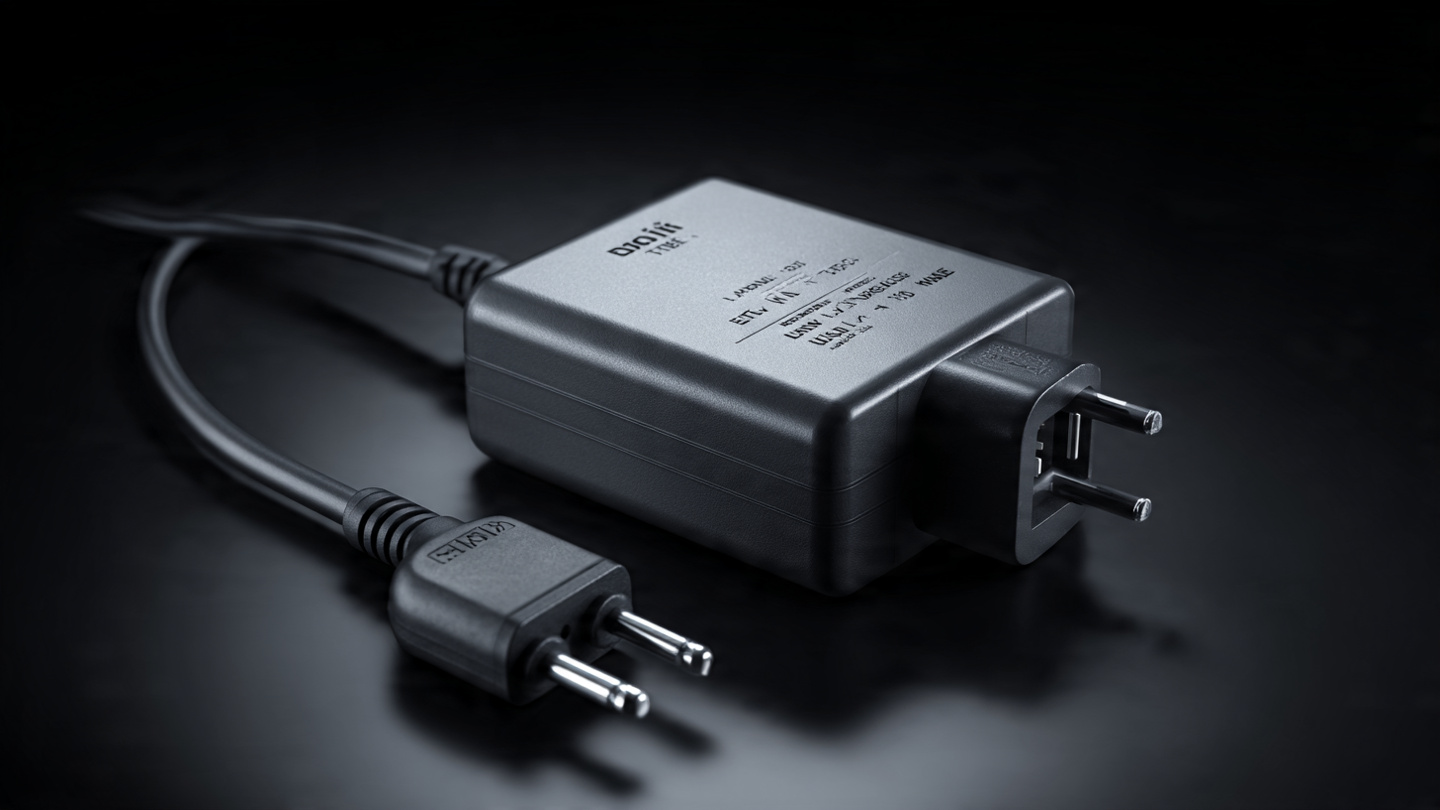
The Silent Killer of Digital Gear – As a digital nomad, you’ve mastered connectivity—you know your eSIM vs. Physical SIM strategy and your portable WiFi hotspot setup. But the biggest, yet most overlooked, threat to your entire remote operation is often lurking behind the wall socket: incompatible power.
Plugging your powerful laptop or sensitive battery bank into the wrong voltage can instantly fry your gear, leading to expensive replacements and hours of lost productivity. This risk is amplified when dealing with specialized equipment, like the noise-canceling headphones critical for your deep work sessions.
As someone who has traveled and worked across every major voltage standard, I’ve learned that a simple, high-quality power adapter is the foundation of a safe, successful workday. This guide is your no-nonsense resource for understanding global power differences, protecting your expensive electronics, and choosing the single adapter that will serve you globally.
The Critical Difference: Adapter vs. Converter
This is the most common and costly mistake travelers make. You must know the difference:
- Adapter (The Shape Changer): This simply changes the physical shape of your plug prongs to fit the local wall socket (e.g., from a US flat plug to a European round plug). It does NOT change the voltage. Most modern electronics (laptops, phone chargers) use adapters because their internal circuits handle the voltage conversion.
- Converter (The Voltage Changer): This is a device that actively changes the voltage (e.g., stepping down 240V from Europe to 120V required by an older US device). You almost never need a converter unless you are traveling with old, simple electronics like a hair dryer or electric kettle.
The Nomad Rule (The Human Experience Focus):
- Check the Label: Look at your laptop charger or phone brick. If the input reads INPUT: 100V–240V, your device is dual-voltage and only needs a physical Adapter. Buy a converter only if you see a single voltage listed (e.g., 120V only).
Understanding Global Voltage Standards
To stay safe, you only need to know two main standards:
| Region | Voltage Range | Frequency | Plug Type Example |
| North America | 100V – 127V | 60Hz | Type A/B (Flat prongs) |
| Most of Europe, Asia, Australia, Africa | 220V – 240V | 50Hz | Type C/F (Round prongs) |
Danger Zone: Plugging a device designed for 120V into a 240V socket without an internal converter will result in instant, irreparable damage (the “pop and smoke” scenario). Since all your valuable gear runs on electricity, this is a major cyber security risk to your workflow and data integrity.
Essential Features of the Modern Travel Adapter
The best adapter for digital work is not a simple block; it’s a multi-functional power hub. Look for these four critical features:
- Surge Protection: A must-have. When working in places with unreliable power grids (common in Southeast Asia or parts of South America), voltage spikes can happen. Surge protection sacrifices itself to save your expensive devices.
- High-Powered USB-C PD (Power Delivery): Your laptop (especially MacBooks or powerful Windows ultrabooks) charges via USB-C PD. Your adapter needs at least 65W to 100W output via the USB-C port to charge your laptop quickly. Adapters under 30W are useless for serious remote work.
- Multiple Outputs: Look for one that includes at least one AC socket, two USB-A ports, and one high-power USB-C PD port. This allows you to charge your laptop, phone, and noise-canceling headphones all at once.
- Integrated Child Safety Shutters: A non-negotiable feature that prevents accidental contact with live pins.
Digital Saiff’s Top 3 Adapter Recommendations (2025)
- The All-in-One Global Cube: (Best for Minimalists) These cubes (e.g., by Zendure or EPICKA) offer built-in sliding prongs for all major regions (US, EU, UK, AU). They are ideal for quick country hopping. Warning: They often lack the highest USB-C PD output (check the specs for 65W).
- The Modular High-Wattage Hub: (Best for Power Users) These are often high-wattage GaN (Gallium Nitride) wall chargers (e.g., by Anker or Baseus) that require separate, interchangeable physical plug prongs. They offer 100W+ USB-C PD, which is vital for heavy-duty work.
- The Strip/Extension Cord (The Necessity): Carry a small, multi-socket extension cord from your home country. Plug the high-powered modular adapter into the wall, and then plug your extension cord into the adapter. This converts the wall power once, allowing you to use multiple devices safely at your desk.
Conclusion: Safety First, Then Speed
As a digital nomad, the right power adapter is your insurance policy. Do not cheap out on this piece of gear. An adapter that costs $50 is a tiny investment compared to replacing a $2,000 laptop.
Prioritize surge protection and high-wattage USB-C PD. Once you have your power strategy locked down, you can focus on what truly matters: your remote work and your next adventure.
Now that your hardware is safe, let’s ensure your software security is up to par. Read our guide on the modern standard for network protection: “Zero Trust Architecture (ZTA) Explained: Why Your VPN is Not Enough Anymore (2025)“


