


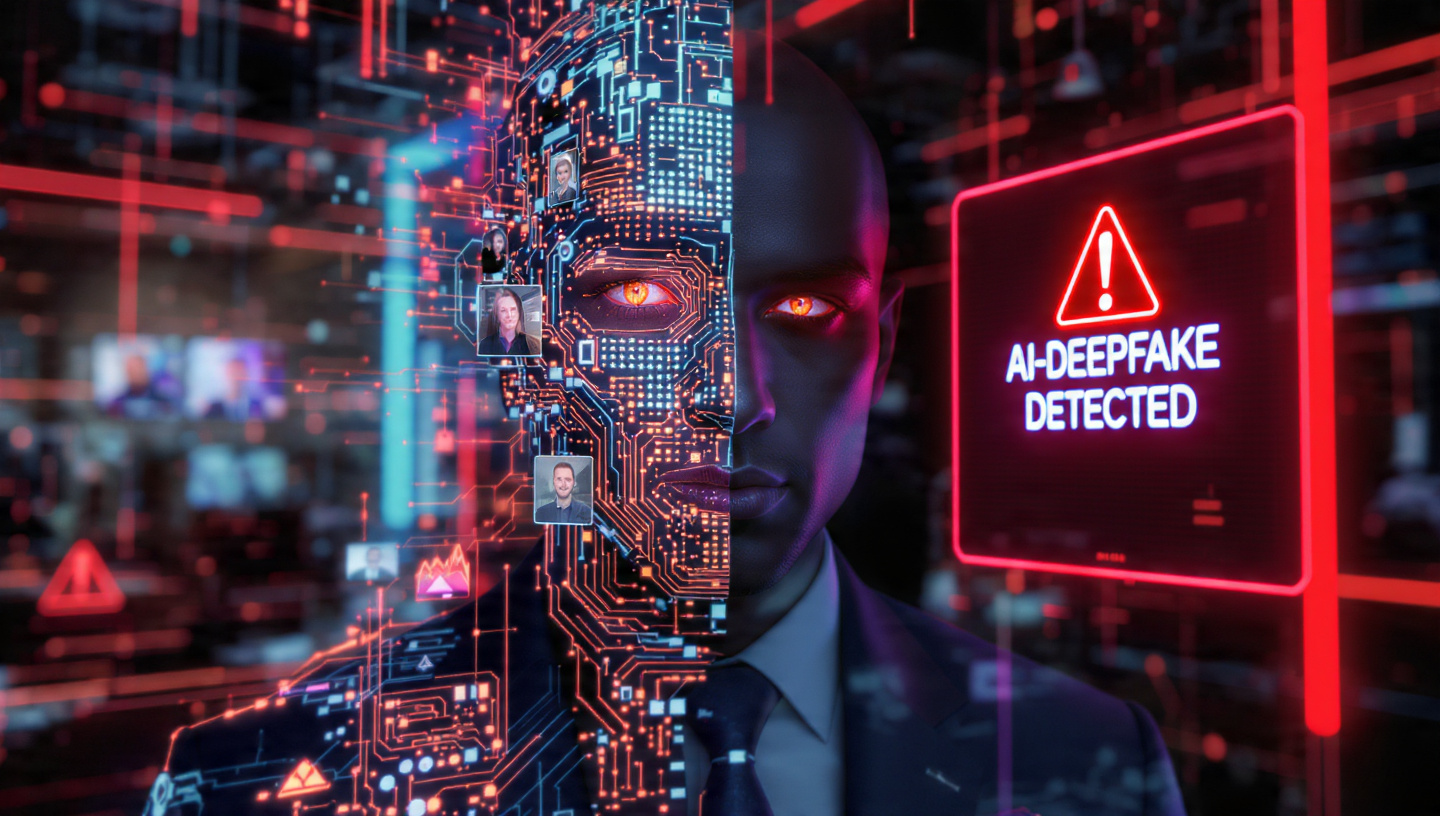
By February 2026, the cybersecurity landscape has reached a point of “Perfect Impersonation.” We have moved past the era of “Nigerian Prince” emails with broken English. Today, a phishing attack looks like a high-definition video call from your CEO, sounds exactly like your Finance Manager on the phone, and writes emails that perfectly mimic your best friend’s humor.
The rise of Generative AI has weaponized social engineering. For remote teams working across Low Tax Nomad Hubs, the risk is exponential. If you aren’t upgrading your team’s defense from “awareness” to “AI-immune protocols,” your business is a sitting duck.
The New Faces of AI Phishing in 2026
To defend, we must first categorize the threats. In 2026, three main AI-driven attack vectors dominate the landscape:
1. Hyper-Personalized Generative Phishing (Spear Phishing 2.0)
Attackers now use autonomous agents to scrape every public detail about your team—LinkedIn posts, Twitter rants, even GitHub commits.
- The Method: The AI synthesizes this data to write an email that matches the sender’s tone, vocabulary, and current projects.
- The Goal: To trick an employee into clicking a link that installs a “Session Hijacker,” bypassing even the 2FA systems we once thought were safe.
2. Vishing (Voice Phishing) & Audio Cloning
With only 3 seconds of recorded audio, AI can now clone anyone’s voice with 99% accuracy.
- The Scenario: A remote worker receives a call from “The Boss” asking for an urgent transfer to an Offshore Bank Account. The voice, the pauses, and even the background noise of a busy airport are perfectly simulated.
3. Live Video Deepfakes
In mid-2025, we saw the first “Deepfake Zoom Hijack.” By early 2026, this has become a standard tool for corporate espionage. Attackers join a team meeting using a real-time face-swap of a senior executive to authorize sensitive data access.
Technical Defense Layers for Remote Teams
A “Strong Password” is a joke in 2026. You need a multi-layered technical stack to combat AI-driven deception.
Layer 1: Moving to Passwordless (FIDO2/WebAuthn)
As I detailed in my Biometric Security Guide, passwords can be phished, but hardware-bound passkeys cannot.
- Action: Force all remote team members to use physical security keys (YubiKey or Titan). Even if an AI tricks them into “logging in” to a fake site, the hardware key will refuse to sign the request because the domain doesn’t match the origin.
Layer 2: AI-Powered Email Inbound Filtering
Use an “AI to fight AI.” Modern 2026 gateways like Cloudflare Area 1 or IronScales use “Computer Vision” and “Natural Language Understanding” (NLU) to detect subtle anomalies in email headers and tone that a human would miss.
- Linkage: If you are running your own infrastructure using Zero Code Workflow Automation, you can build a node that passes all suspicious links through a “Local Sandbox” before they reach the user.
Layer 3: The “Safe Word” Protocol (The Human Firewall)
For Vishing and Deepfakes, technology often fails. Your team needs a Manual Verification Protocol.
- The 2026 Secret Phrase: Every remote team should have an offline, non-digital “Safe Word” or a “Duress Code.”
- The Rule: If an executive asks for a financial transfer or sensitive data via voice or video, they must provide the rotating safe word. This bypasses any AI-cloning capability.
The “Session Hijacking” Problem
Even with the best security, users can still be tricked into “Session Hijacking.” This is where an attacker steals the active login cookie of your browser.
- The Fix: Implement Continuous Access Evaluation (CAE).
- How it works: Instead of a token that lasts 8 hours, the system re-verifies the user’s location, device health, and Biometric Identity every 5 minutes. If a user suddenly “jumps” from Dubai to North Korea, the session is killed instantly.
Defending Against Malicious AI Agents
Inaayat recently showed us How to Build Private AI Agents. However, the “Dark Web” equivalents are building “Black-Box Agents” designed to find vulnerabilities in your team’s code or LinkedIn profiles.
Protecting Your “Digital Footprint”:
- AI Scraper Blocking: Use
robots.txtand specialized firewalls to block malicious LLM scrapers from reading your company’s internal documentation or team bios. - Watermarking: Ensure all company-wide video recordings have an invisible, cryptographic watermark. If an attacker tries to “Deepfake” a video of your CEO, the lack of a valid watermark will trigger a security alert.
Remote Work & The “Public Wi-Fi” Trap
Nomads traveling between hubs in Thailand or Malaysia often use public Wi-Fi. As I noted in the IoT Security Guide, these networks are “Man-in-the-Middle” (MitM) playgrounds.
- 2026 Requirement: Every team member must use a Quantum-Resistant VPN.
- Reason: Traditional VPNs can be “harvested” now and decrypted later. PQC-VPNs ensure your team’s traffic is safe from future AI decryption.
Team Training: Beyond the PDF
Annual security training is useless. In 2026, you need “Live Simulation.”
- The Test: Run “White Hat” AI phishing campaigns. Send your team AI-generated emails and voice messages.
- The Reward: Don’t punish those who fail; educate them. Show them the “Technical Tells”—the slight robotic cadence in an AI voice or the inconsistent shadows in a deepfake video.
Refer to the 5 High-Income AI Skills guide; “AI Security Literacy” is now one of the most valuable skills for any manager or student.
Conclusion: Trust, But Verify (The 2026 Motto)
Phishing in 2026 is no longer about technology; it’s about Psychology. The AI is better at being “You” than you are. The only defense is a culture of “Zero Trust”—where every request for money or data is verified through multiple channels, regardless of how “real” the person looks or sounds.
Stay updated with our Resource Hub for the latest vetted AI-security tools.
Sameer’s Final Thought: “In the age of AI, your eyes can lie. Your ears can lie. Only your cryptographic keys tell the truth.”


